
Connect your systems to save time and unlock powerful insights.
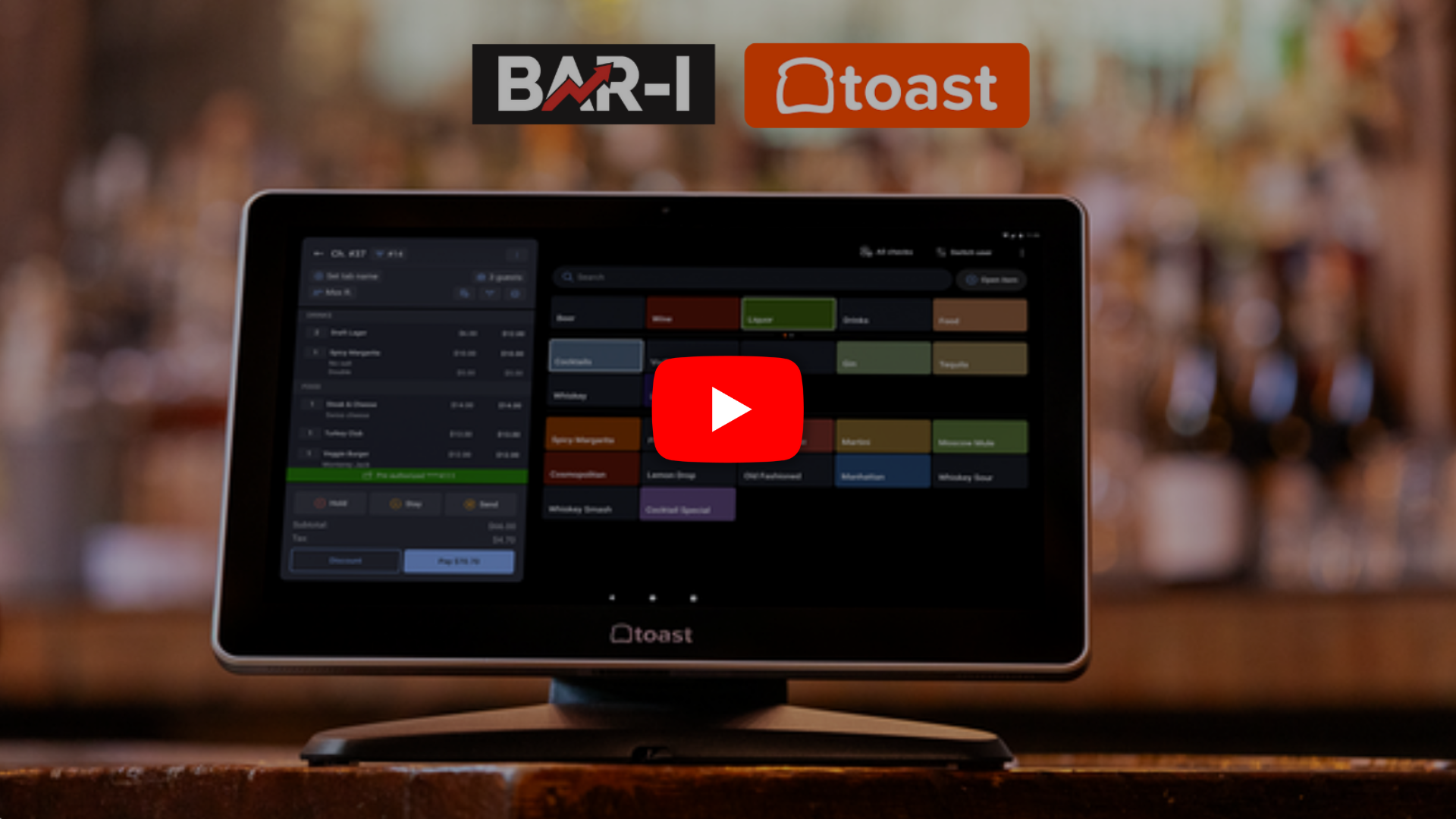
Stop losing inventory to unmanaged modifiers. Bar I syncs your Toast data with real-life pours to eliminate shrinkage and protect your margins.

Quick guide on exporting the new PMIX report from Toast POS. See how to include modifiers, download the Excel file, and upload it seamlessly into the Bar-i system.
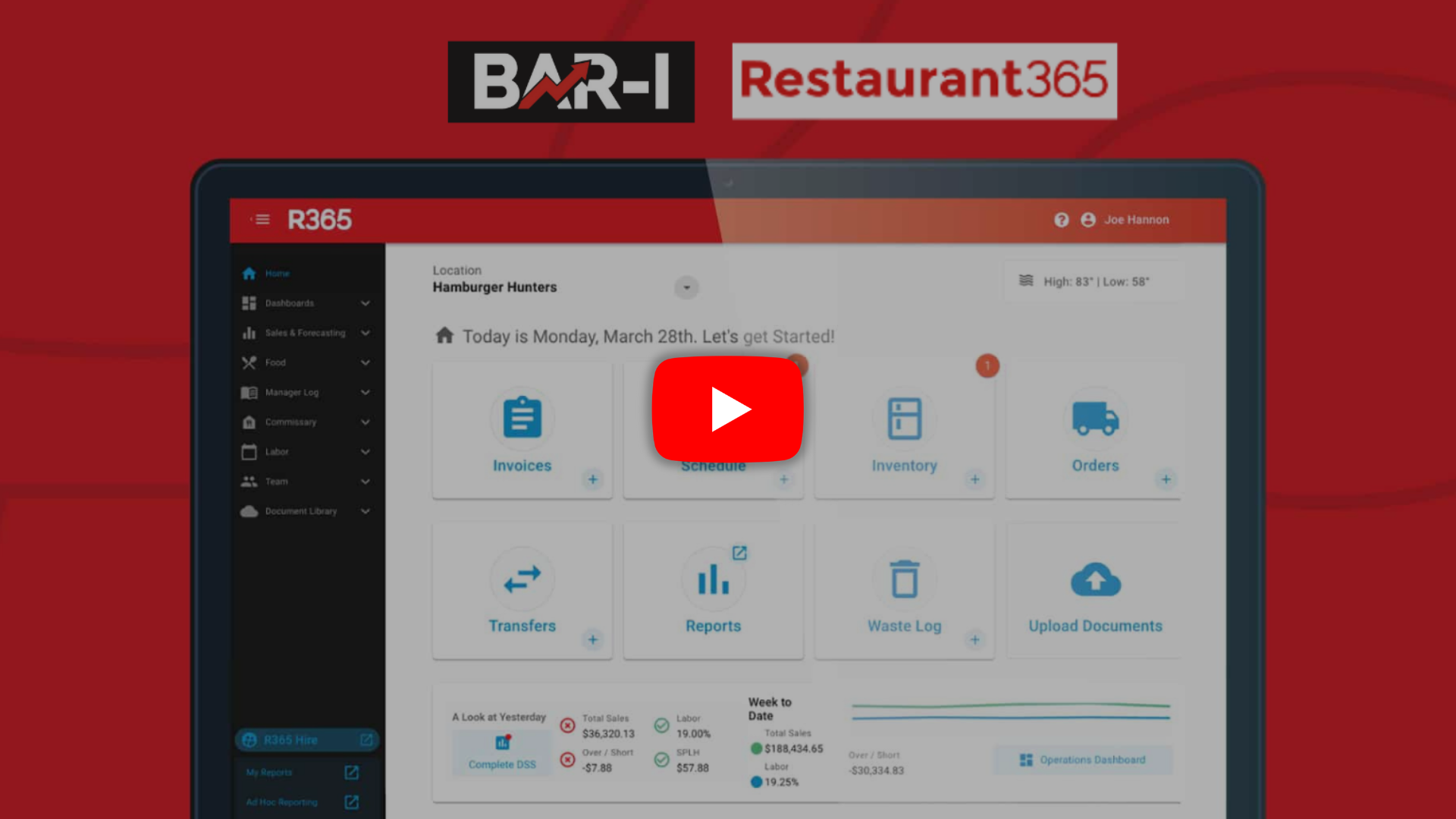
Eliminate manual entry errors and save hours of tedious work. Export your Bar I counts directly into Restaurant365 with a single, perfect click.
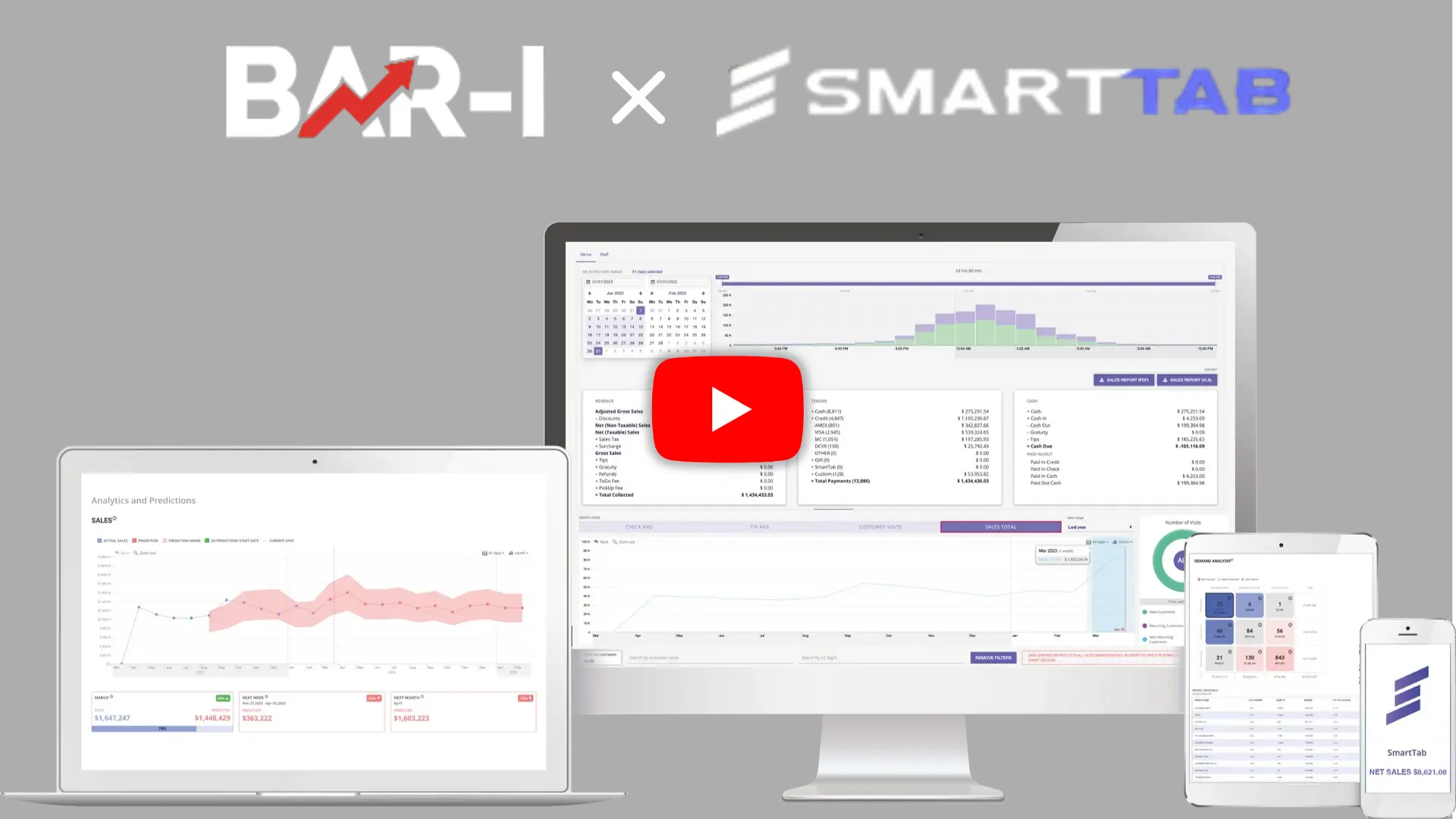
Integrate Smart Tab POS with Bar-i to track your liquor accurately! Our recipe module compares exact pours vs. sales for every button, stopping shrinkage.

Stop losing 15% of your liquor! Learn how connecting Clover POS to Bar-i accurately tracks poured vs. sold drinks down to the exact serving, lowering costs and boosting profits.
Turn your Genius POS "button presses" into precise ounce-by-ounce sales records. Reduce liquor costs by 3% and maximize your bar’s ROI with the Bar I Recipes Module.

Using Heartland POS? Learn how to upload your sales data to Bar-i. Compare actual pours against exact POS recipes to stop shrinkage, fix errors, and boost bar profits!

Using SpotOn POS? Learn how to connect your sales data to Bar-i's inventory system. Compare actual ounces poured against exact POS sales to eliminate liquor loss.
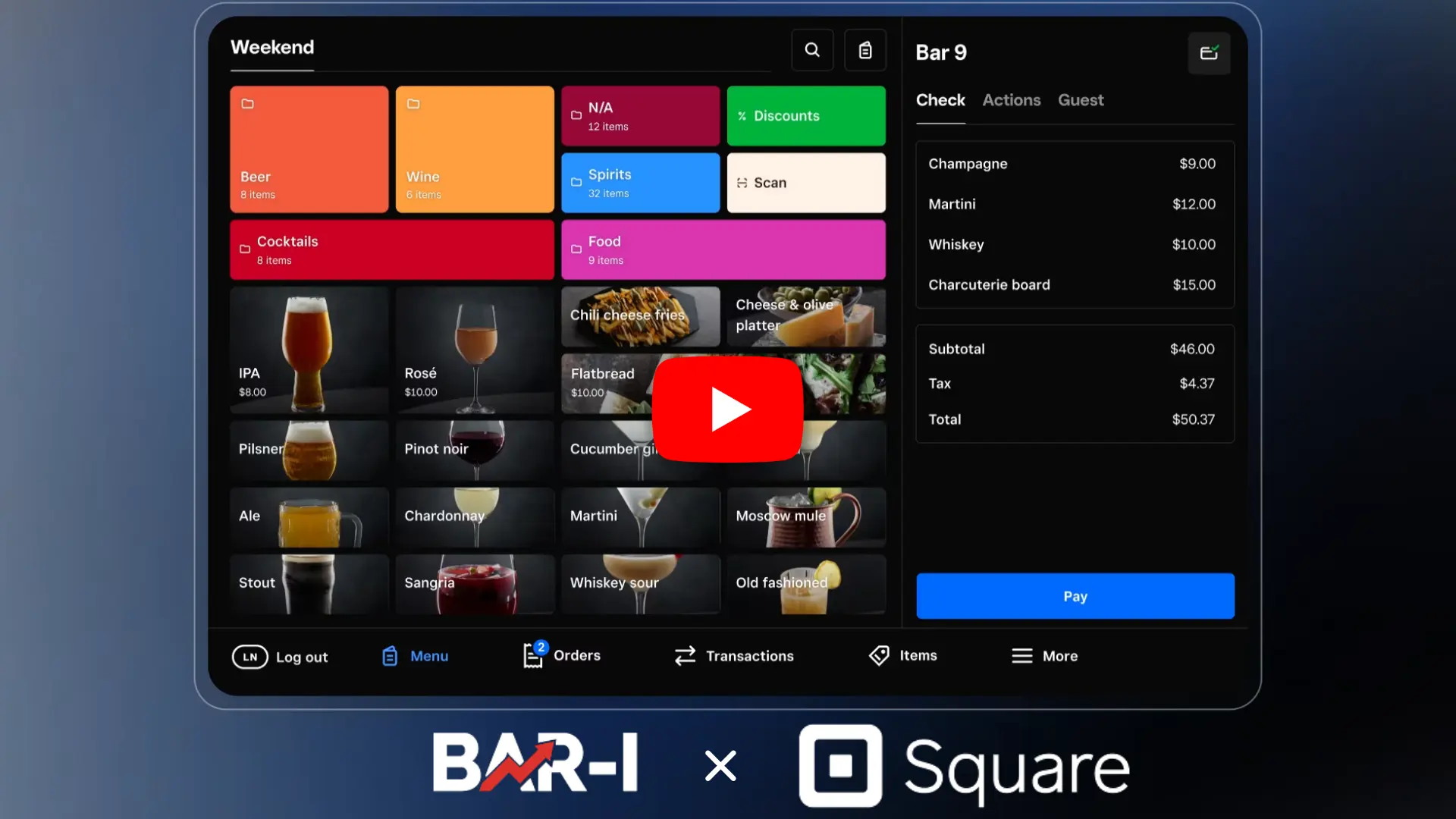
How to run and export a Square POS Item Sales Summary report to upload into the Bar-i system.

Integrate Brink POS with Bar-i to stop losing 15% of your liquor! Compare actual ounces poured vs. sold for every POS button to lower costs and boost profits.

Learn how to generate and export a Sales Summary by Item report from Shift4 POS. Download it as a CSV and easily upload it into the Bar-i system.

Learn how Bar-i compares poured vs. sold alcohol to help bars reduce liquor costs by 3% using precise POS recipes.
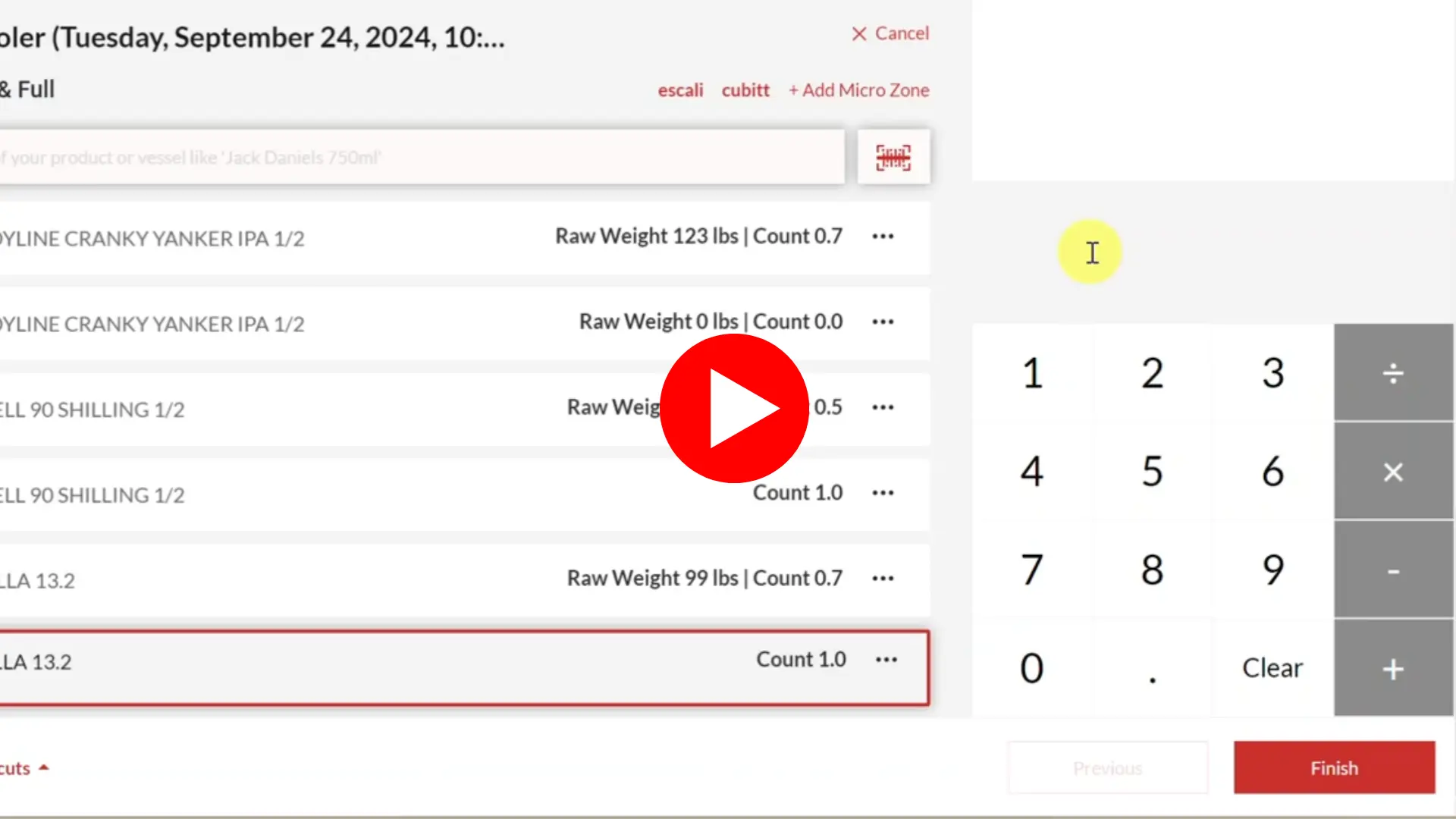
Simplify bar inventory with Bar-i Speed Count. Use barcodes and Bluetooth scales for accurate counting. Export to Restaurant 365 effortlessly.
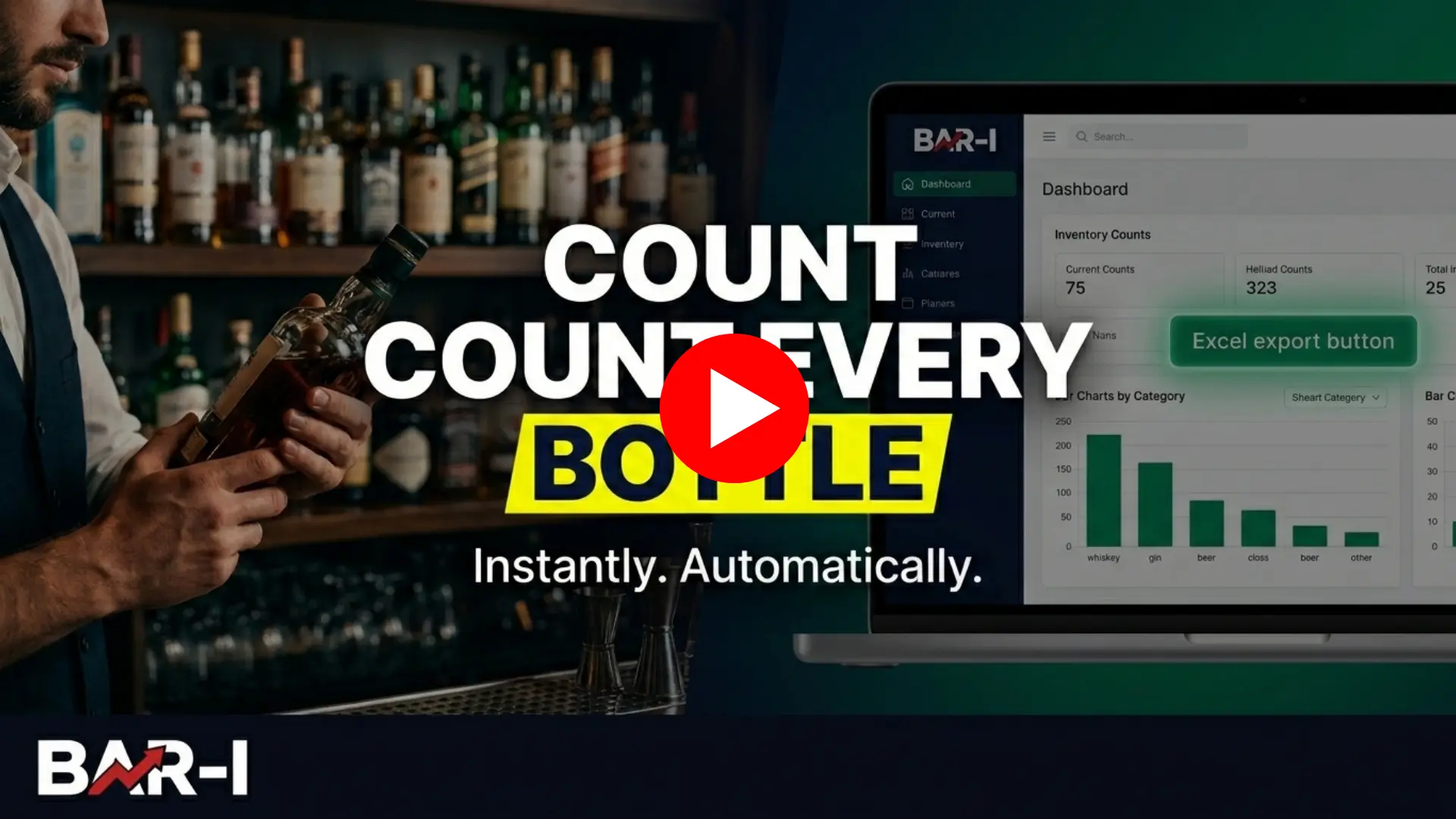
See how Bar-i's Speed Count software completes a full bar inventory count — automatic bottle aggregation, real-time dashboard results, and instant Excel export.