00:00:01,700 in this video
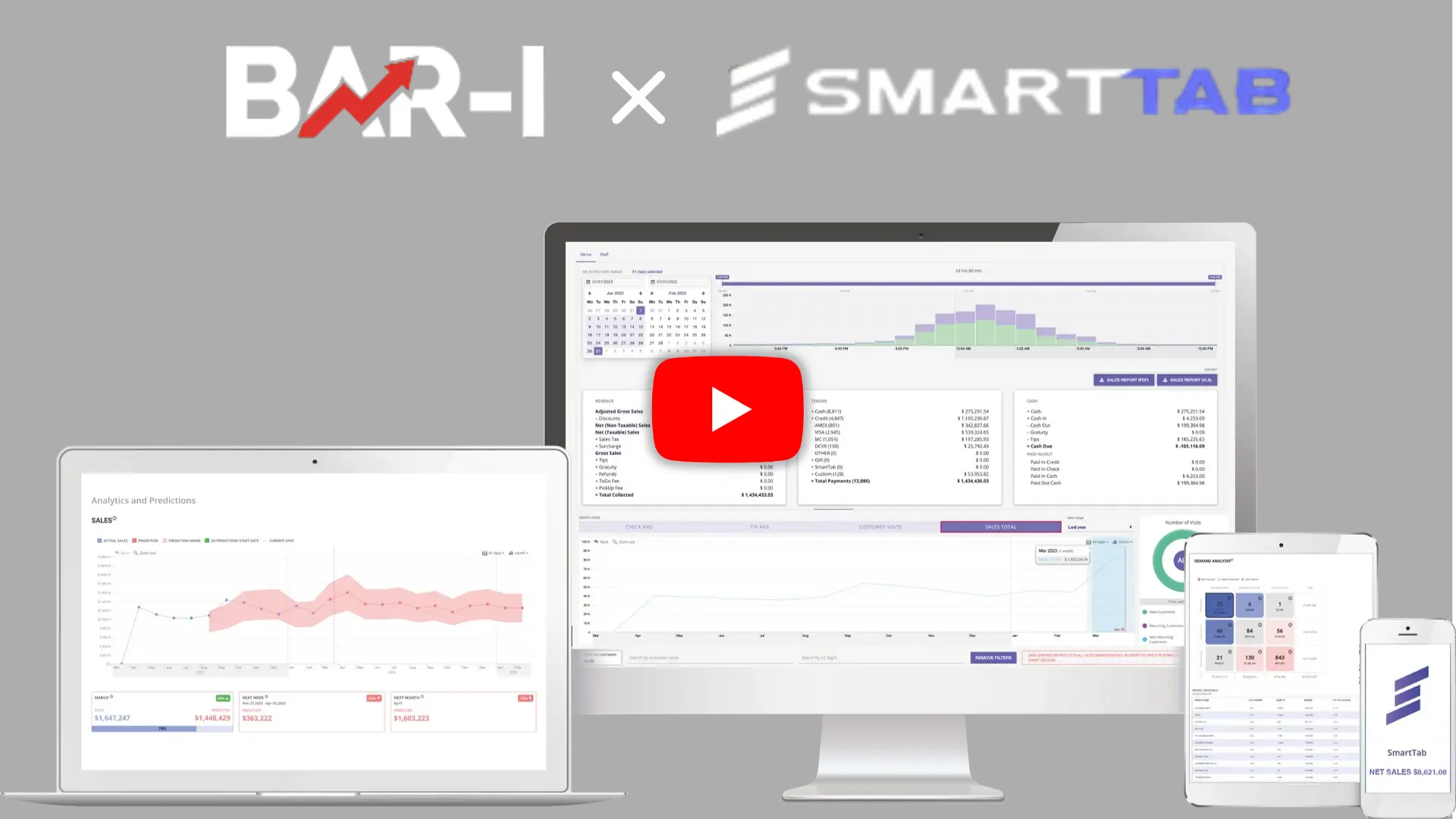
00:00:02,433 we're showing Smart Tab point of sale users
00:00:04,400 how they can integrate their sales reports
00:00:06,633 with their beverage inventory system
00:00:08,166 to compare what they're selling and pouring at the bar
00:00:11,566 we've run this sales report for a week
00:00:13,900 and can see that in the case of Jameson
00:00:15,700 they sold 57 drinks but that oversimplifies
00:00:19,566 the question of how much was sold
00:00:21,833 because there are many different Jameson buttons
00:00:24,200 including different sized drinks like doubles
00:00:26,800 as well as signature drinks like green tea
00:00:29,200 that also call for Jameson
00:00:32,500 if we look at the bar I recipe module
00:00:34,233 we can see that for every single drink
00:00:36,000 according to the standards of the bar
00:00:37,833 we've written a precise recipe
00:00:39,833 of how much is put into that individual drink
00:00:43,200 in turn this allows us to look at the button count
00:00:46,566 for each button multiply it by the serving size
00:00:49,766 and calculate the exact amount sold
00:00:52,700 we add this up for all the buttons
00:00:54,633 and get an aggregated amount
00:00:56,700 which allows us for every product at your bar
00:00:58,866 to compare how many servings you sold
00:01:02,033 with what was poured in real life
00:01:04,633 this bar is doing awesome
00:01:05,800 missing just three servings
00:01:07,633 and accounting for 98% of the Jameson
00:01:10,466 they poured during the period
00:01:12,200 if you'd like to integrate your Smart Tab
00:01:14,266 point of sale system with your beverage
00:01:16,066 inventory system
00:01:17,866 schedule a demo with bar right today
00:01:19,500 thanks for watching


.png)
.webp)
.webp)
.webp)