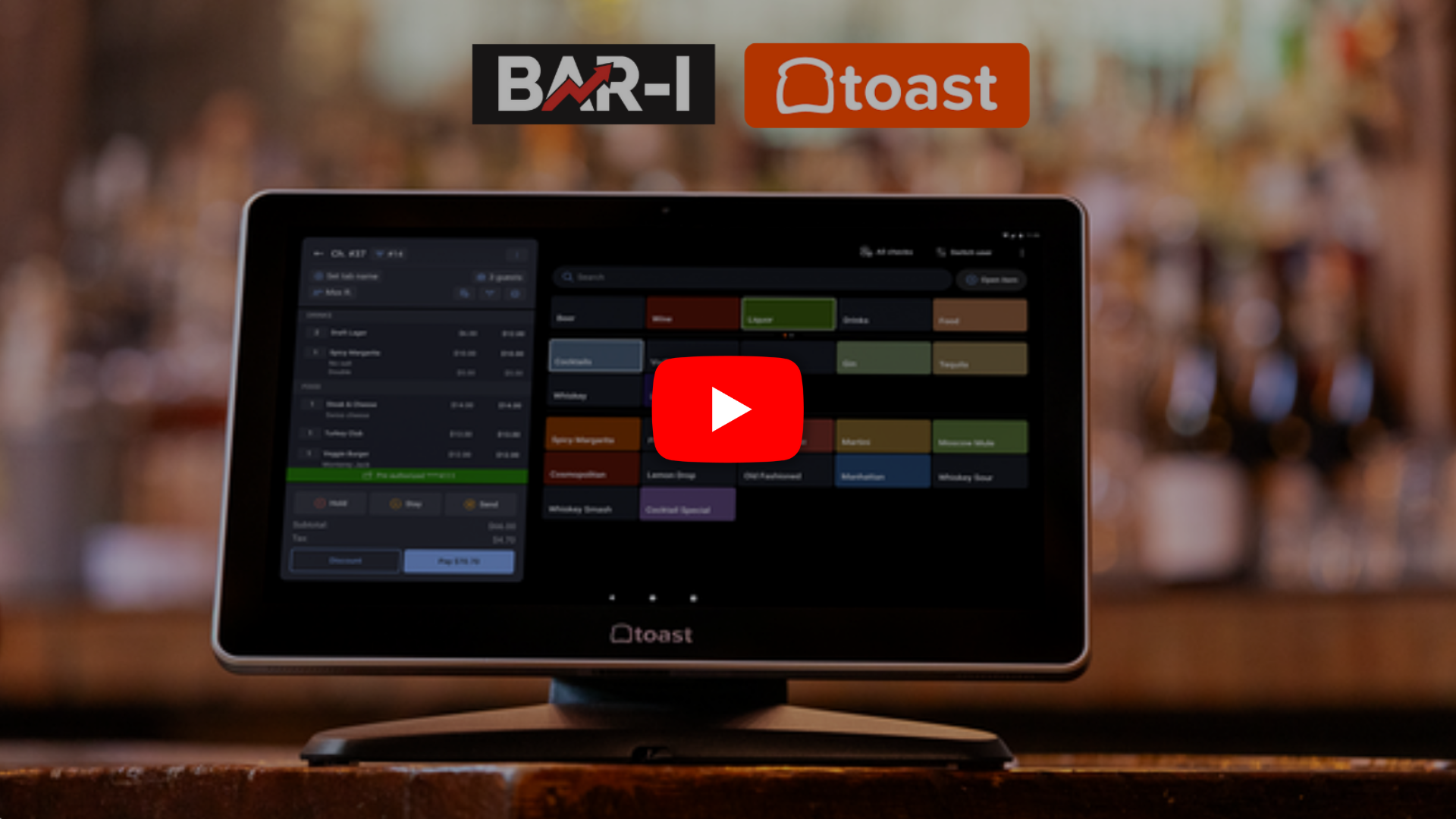
00:00:00,000 in this video we're gonna show toast
00:00:01,766 point of sale customers
00:00:03,000 how to run the right sales report
00:00:04,566 so we can compare exactly what was sold through toast
00:00:07,300 with what was poured in real life
00:00:09,433 from toast back of house logged in
00:00:11,800 go to the left click on reports
00:00:14,300 move your mouse over to the right
00:00:15,466 and then you'll see this middle menu and expand menus
00:00:18,900 and then select the first option
00:00:20,066 which is Product Mix
00:00:21,100 as you can see there's one change required
00:00:23,900 you'll notice that by default
00:00:25,266 we have a menu hierarchy with five levels
00:00:28,166 we want also the modifiers
00:00:29,866 so click click modifiers
00:00:32,233 and you'll notice now it says 6 level
00:00:34,500 obviously select the dates that match your count dates
00:00:37,400 and then go ahead and click to export
00:00:40,400 notice the default is what we want which is Excel
00:00:43,300 so go ahead and click download
00:00:45,966 my browser settings
00:00:47,766 mean that
00:00:48,233 it's gonna ask me where we're gonna save that to
00:00:51,433 gives it a sensible name
00:00:52,800 so you can go ahead and leave it there
00:00:54,833 click save and here's what I prepared earlier
00:00:57,866 you'll notice that the resulting workbook
00:01:00,200 you export has got number of tabs
00:01:02,400 we're gonna pull the data just from items
00:01:04,500 and modifiers and the good news is
00:01:06,600 we just upload this one workbook
00:01:09,166 and it's gonna pull the data automatically
00:01:11,800 so let me just show you that process
00:01:14,033 so here we can go backwards from the Academy dashboard
00:01:18,200 click edit on the sales step
00:01:19,900 click browse to upload the file
00:01:22,300 double click you'll get a preview of the first part
00:01:26,300 which is of course the items or the buttons
00:01:29,566 I'm not gonna do the work here
00:01:31,300 cause we're just doing this obviously for demo
00:01:33,900 but I wanna show you that after we have resolved
00:01:37,300 recipes on the point of sale
00:01:39,833 it's automatically gonna load up your modifiers
00:01:42,600 if you saw what happened there
00:01:43,700 so same thing in most cases
00:01:45,700 a lot of these are gonna be do nothings as you know
00:01:47,666 but anyway fill in the notes as you usually do
00:01:49,833 click continue and then you'll see result
00:01:53,566 finalize and send notification and you are good to go
00:01:56,400 as always if you have questions
00:01:57,666 please reach out to your Barry Account Manager
00:02:00,466 who will be happy to help
00:02:01,700 thank you for watching
00:02:03,766 count fast see results down to the serving

.webp)

.png)
.webp)
.webp)
.webp)