00:00:01,633 most bars pour around 15% more alcohol
00:00:04,300 than what they actually sell
00:00:06,433 Bar Eye clients are able to precisely compare
00:00:09,033 what's being sold versus poured in real life
00:00:11,300 on a product by product basis
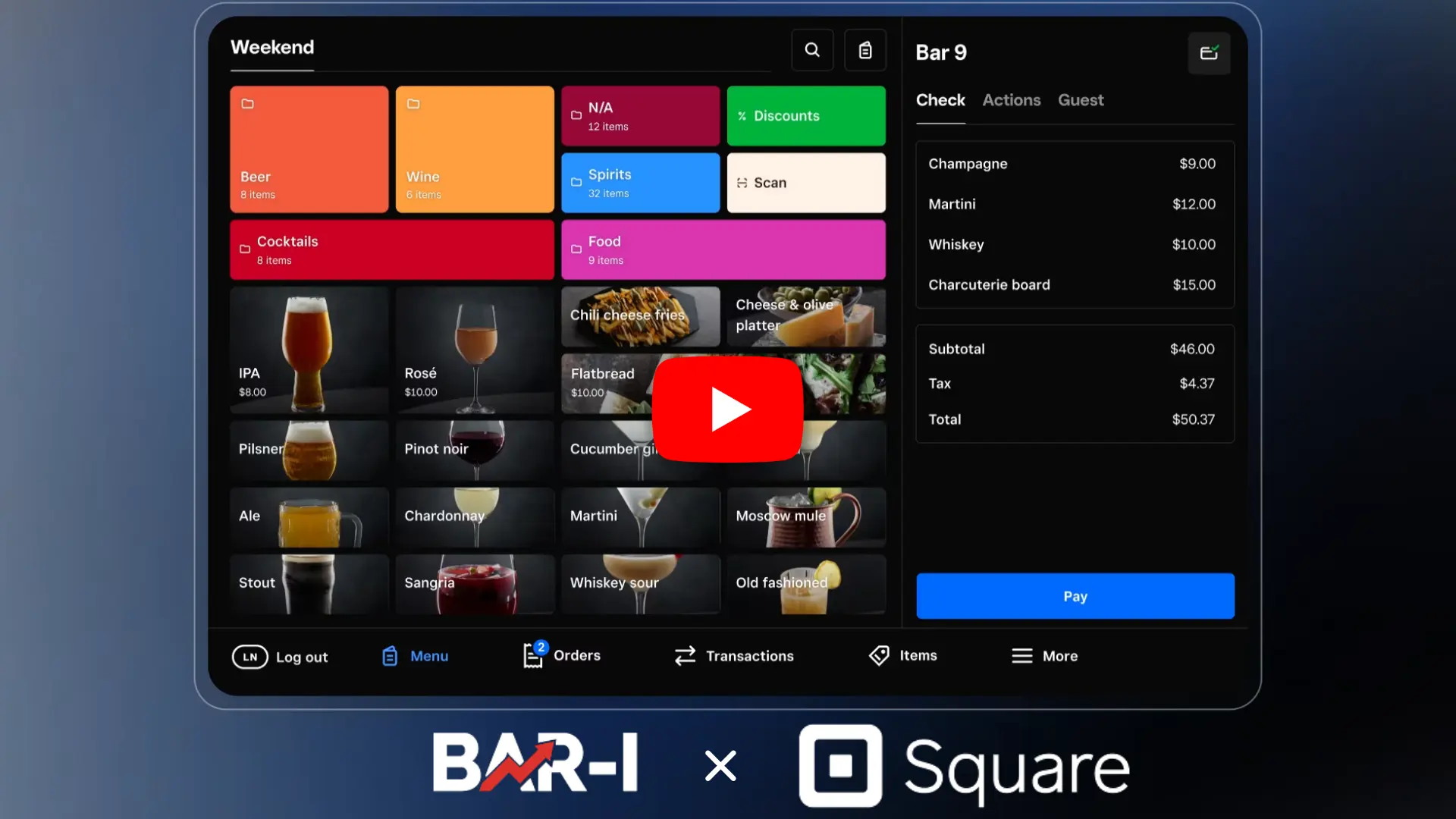
00:00:13,666 this Bar Eye client uses Brink point of sale system
00:00:17,566 the brink system
00:00:18,566 shows us how many times each drink was sold
00:00:22,033 we then write a recipe for every button in the system
00:00:26,066 including
00:00:26,633 recipes that may call for multiple ingredients
00:00:28,766 and different amounts
00:00:30,600 the end result is
00:00:32,100 we can multiply the number of drinks sold
00:00:34,400 each period by the recipe
00:00:36,633 to calculate the total number of ounces sold
00:00:39,366 we do this for every button in the system
00:00:42,466 and the end result is the ability to compare
00:00:44,566 how many servings you sold
00:00:46,266 against what was poured in real life
00:00:48,233 this bar slightly under poured by 7 shots
00:00:51,366 if you're struggling to integrate your sales data
00:00:53,466 into your inventory system
00:00:55,033 schedule a demo with bar I today thanks for watching



.png)
.webp)
.webp)
.webp)